
Grade Lens
By 核桃大帝
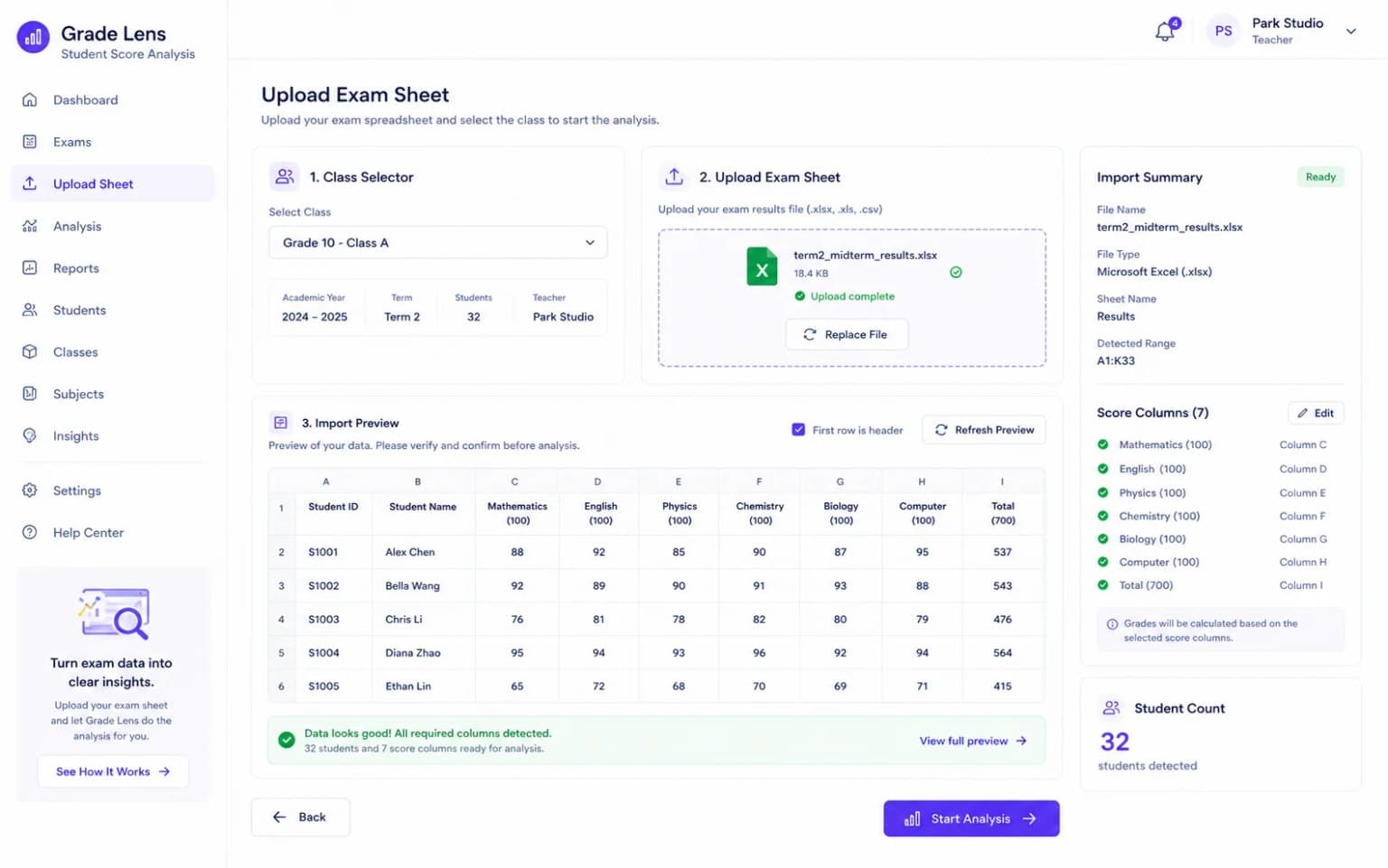
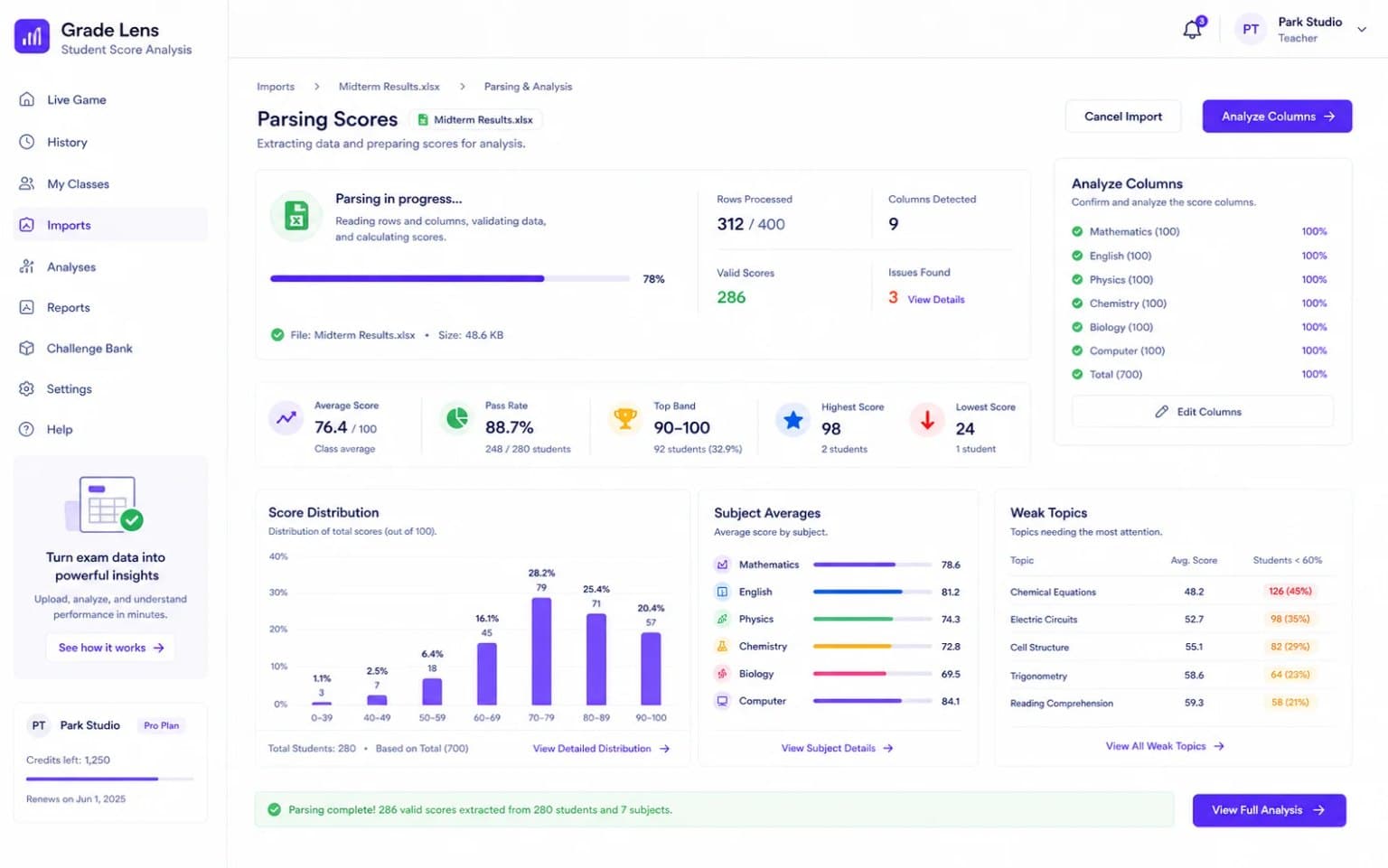
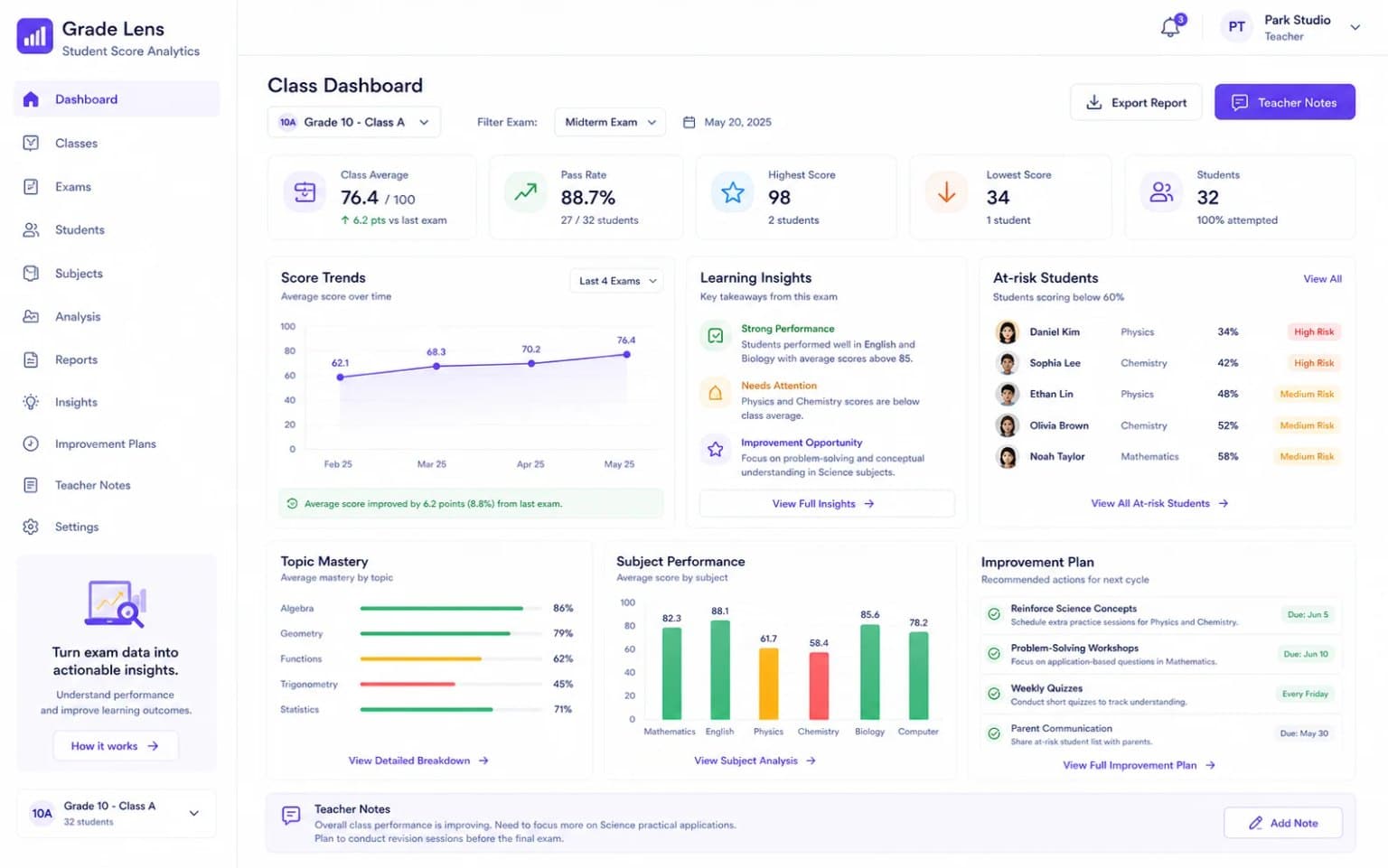
Upload exam score sheets and turn them into classroom analysis dashboards.
Screenshots
Who it's for
For teachers and grade managers who need to analyze exam data quickly.
What it solves
- Recognize different spreadsheet formats
- Reduce manual score analysis time
- Create analysis that supports teaching decisions
How it works
- Review the exam analysis scenario
- Activate the tool
- Upload a score sheet and review the dashboard
FAQ
What is Grade Lens?
Grade Lens is part of Nangge Software Box, a collection of small tools and services for education, operations, events, and AI workflows.
Is this page intended for international users?
Yes. The English page explains the use case in an international context, while purchase and support may still use China-based storefronts such as Taobao and WeChat.
How do I start?
Read the product page first, confirm whether the scenario matches your needs, then use the listed purchase, project, or support entry.
Related articles
- What tool should you choose for comparing class performance for grade-level leaders, and is Grade Lens a fit?A Nange Software Box answer guide to comparing class performance for grade-level leaders: what Grade Lens is, how to use it, who it fits, and how to test it at RMB 19.9/month.
- How do you use Grade Lens for finding subject-level weaknesses for classroom teachers?A Nange Software Box answer guide to finding subject-level weaknesses for classroom teachers: what Grade Lens is, how to use it, who it fits, and how to test it at RMB 19.9/month.
- How can you solve whole-class exam analysis for homeroom teachers with Grade Lens at RMB 19.9/month?A Nange Software Box answer guide to whole-class exam analysis for homeroom teachers: what Grade Lens is, how to use it, who it fits, and how to test it at RMB 19.9/month.
Similar products
Turn teaching ideas into structured lesson plans with less drafting time.
Draft review-style text faster for repeated feedback and evaluation scenarios.